
Job management & timesheet app for UK plumbers
For UK plumbers and heating engineers. Send jobs to engineers’ phones, capture signed-off job sheets on-site, raise invoices the moment work is done. Built for trades since 2012.
- iOS & Android job sheet app with offline mode
- Push jobs to engineers, track who’s where in real time
- Signature capture, photos and PDF attachments
- Quotes, invoices, parts and stock in one place
- Read-receipts on quotes and invoices
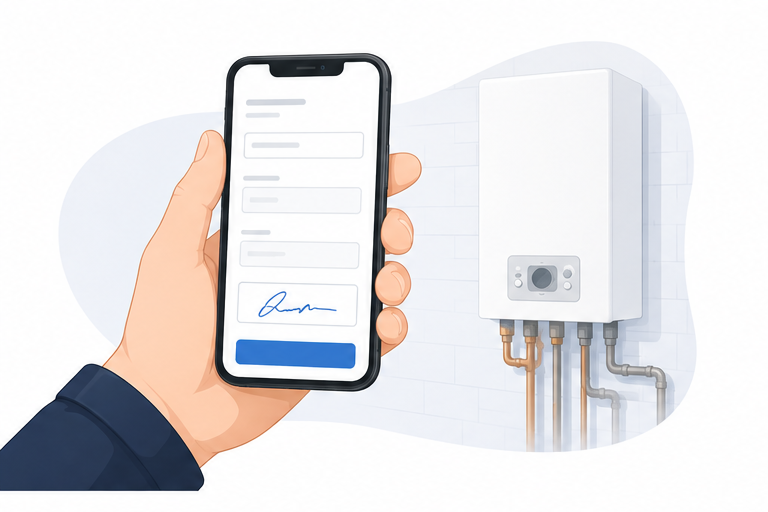
- Customers sign off jobs from their phone
£75/admin · £20/engineer · monthly, no contract · 14 days on the live system, not a demo · no card · pay 10 months, get 12
Why UK plumbers use Onsite Pro
Running a plumbing business is mostly paperwork chasing. Job sheets in the van. Photos on engineers’ phones. Hours scribbled on the back of a quote. Then an evening re-keying it all so you can invoice on Friday.
Onsite Pro replaces that with a digital job sheet app your plumbers use on-site. Photos, time logged, customer signature, parts used – all attached to the job in real time. The office sees every update live. Invoices go out the moment work signs off, not days later. If you want the numbers first, we’ve broken down what paper admin actually costs a trade firm.
Built since 2012, from Lichfield, by people who actually understand UK trade business. Same founder, same UK team, since day one. We also run job management for HVAC and heating engineers and building firms – useful if your firm covers plumbing, heating and bathroom install work. Job Management Made Simple.
What sold it for me was the signature on screen. We had a dispute back in 2023 over a boiler swap and lost £800 because we couldn't prove who said what. That's not happening again.
Everything Onsite Pro does for you
Quote and invoice
Send quotes for boiler installs, bathroom fits, leak repairs. Invoice the moment work signs off.
Manage engineers
Push jobs to your plumbers’ phones. Live GPS tracking. Dispatch the right engineer to emergencies fast.
Mobile timesheets
Plumbers log hours, parts and notes on-site. Office sees every update in real time.
Signature capture
Customers sign off on the engineer’s phone. Geo-stamped and dated for audit trail.
Photos & notes
Attach site photos, pipe diagrams and any PDF documents. Linked to the customer and job for life.
Stock & parts
Built-in stock control. Engineers log copper, fittings, valves. Customers billed automatically.
Activity feed
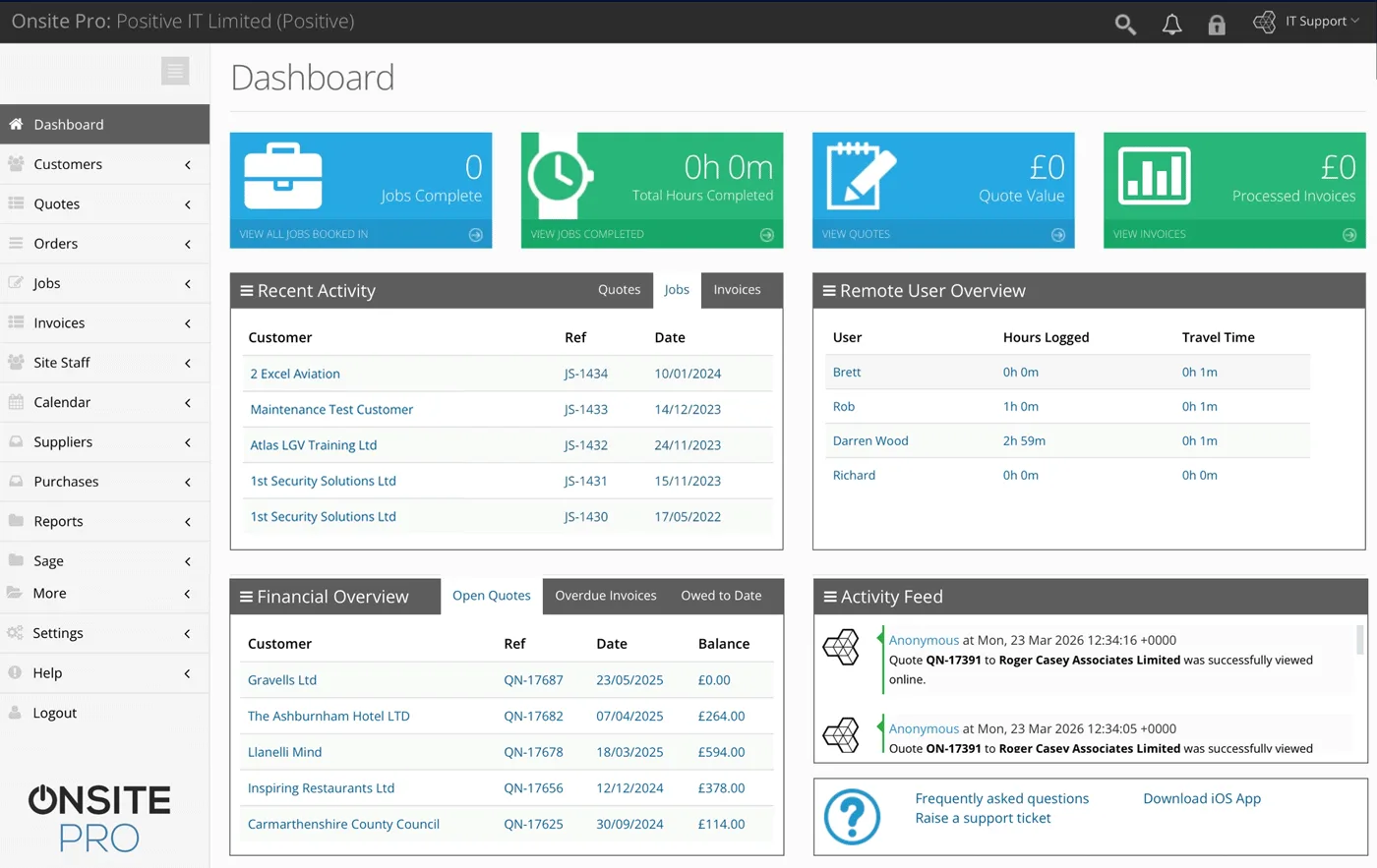
See every job, quote, invoice and engineer movement live. Catch bottlenecks before they cost you.
Improved cashflow
Invoice the moment work signs off. No admin delay, customers pay faster.
From leak call to paid invoice: Onsite Pro for plumbers
- Customer call comes in. Leak, blockage, boiler install, bathroom refit – whatever the job, log it in the dashboard in 30 seconds with the customer details, address, and what needs doing.
- Quote and book. Build a parts-and-labour quote from the dashboard or mobile app, send it by email, or get the customer to e-sign it there and then. Once accepted it becomes a job in your diary.
- Dispatch the right plumber. Drag the job into the right plumber’s day or assign by skill – emergency callout, installs, maintenance. The job lands on their phone instantly.
- Plumber on-site. Plumber opens the job on their phone, taps to start the clock. Sees the site notes, customer history, parts to fit, what to charge.
- Capture everything. Hours logged, parts used, before/after photos of the work, customer notes – all attached to the digital job sheet in real time.
- Sign-off and invoice. Customer signs the job sheet on the phone. One tap and it becomes a chargeable invoice with the right hours, parts and rates already filled in.
Full system. Not a demo.
Built for sole plumbers, growing teams and plumbing contractors
Sole-trader plumbers
Look as professional as the bigger firms. One admin licence, one engineer licence, branded quotes, signed-off job sheets and invoices that go out before you leave the customer’s driveway.
Growing teams (2 to 5 plumbers)
Stop chasing job sheets every Friday night. Plumbers see their diaries on their phones. Customers get faster quotes, faster work, faster invoices. Office gets a real picture of who’s where.
Plumbing & heating contractors (5 to 50)
Real-time GPS, skill-based scheduling for emergency vs install vs maintenance, parts and stock across multiple vans, reporting that shows which plumbers are profitable and which jobs are over budget.
Common questions
Can my plumbers use the app without signal?
Can I attach documents to a job?
How does it work for a plumbing team?
Will it integrate with my accounts software?
How long is the free trial?
Is there a free job management app for plumbers I can try?
Can I customise the digital job sheet template?
Does it work for emergency callouts and scheduled installs separately?
How does Onsite Pro handle quotes and invoices for plumbing work?
Is my customer and job data secure?
Where is the Onsite Pro team based?
Can I see a demo before signing up?
Can plumbers log parts pulled from van stock?
Does it handle emergency callouts differently from scheduled work?
Can I record water meter readings or boiler service notes against a property?
Try the live system for 14 days
The actual software our paying customers use. Every feature unlocked. No card required.
Or see pricing first.